
comment faire un video cv en anglais
Publié le 22/05/2026
Extrait du document
«
How to Make a Video Resume: Tips
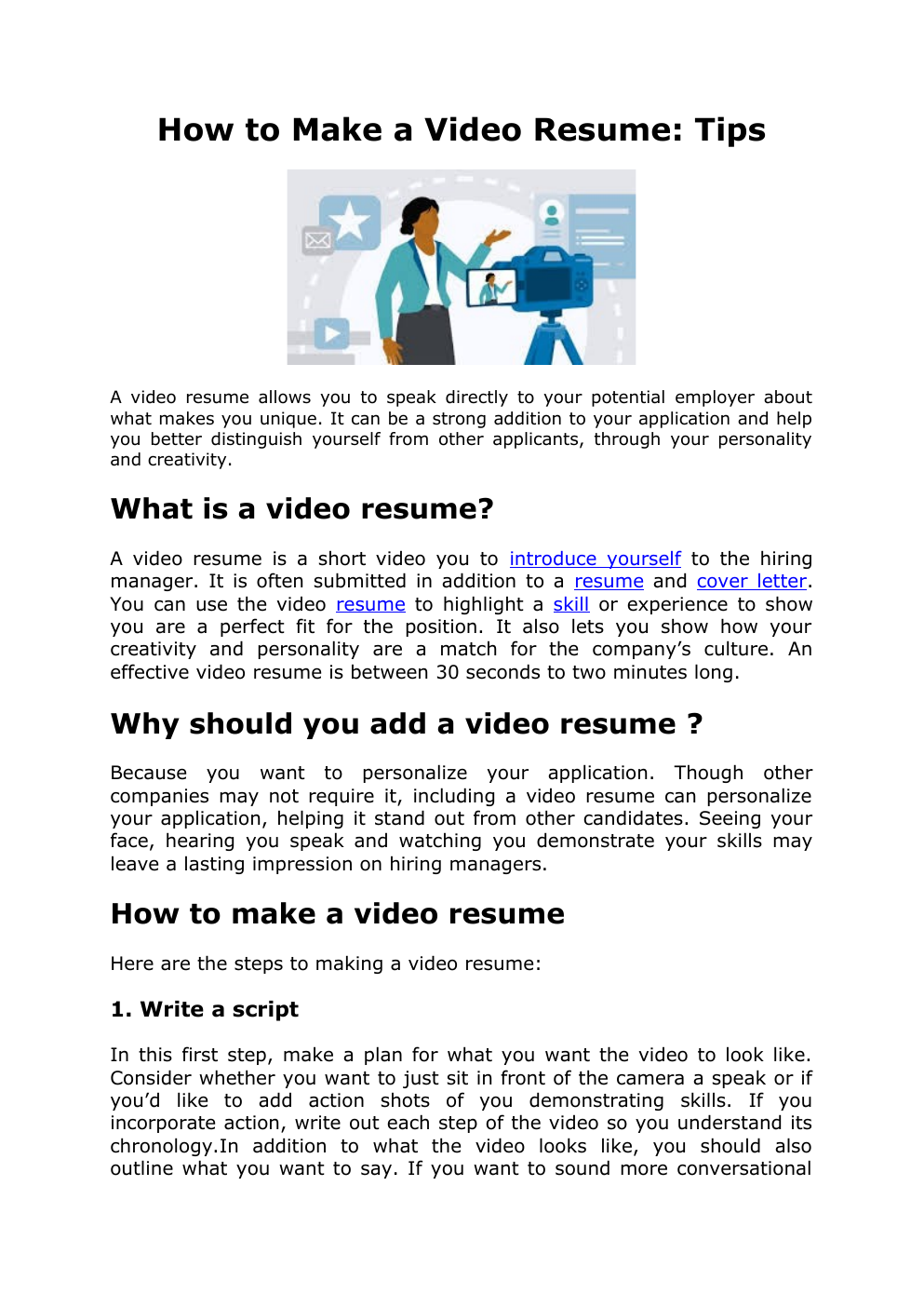
A video resume allows you to speak directly to your potential employer about
what makes you unique.
It can be a strong addition to your application and help
you better distinguish yourself from other applicants, through your personality
and creativity.
What is a video resume?
A video resume is a short video you to introduce yourself to the hiring
manager.
It is often submitted in addition to a resume and cover letter.
You can use the video resume to highlight a skill or experience to show
you are a perfect fit for the position.
It also lets you show how your
creativity and personality are a match for the company’s culture.
An
effective video resume is between 30 seconds to two minutes long.
Why should you add a video resume ?
Because you want to personalize your application.
Though other
companies may not require it, including a video resume can personalize
your application, helping it stand out from other candidates.
Seeing your
face, hearing you speak and watching you demonstrate your skills may
leave a lasting impression on hiring managers.
How to make a video resume
Here are the steps to making a video resume:
1.
Write a script
In this first step, make a plan for what you want the video to look like.
Consider whether you want to just sit in front of the camera a speak or if
you’d like to add action shots of you demonstrating skills.
If you
incorporate action, write out each step of the video so you understand its
chronology.In addition to what the video looks like, you should also
outline what you want to say.
If you want to sound more conversational
rather than rehearsed, consider writing bullet points of the specific skills,
experiences and qualifications you want to highlight.
2.
Prepare a filming space
If you have shots of you sitting and speaking directly to the camera, set
up a space with a neutral background and attractive lighting.
If you plan
to include action shots, be sure the necessary props and equipment
populate the space.
3.
Set up a recording device
Choose a recording device—either a smartphone, tablet, computer or
camera—that can capture high-quality images and audio to ensure your
face and other images, as well as your speech, are clear.
Set the
recording device high enough to capture your face and shoulders and far
away enough that your whole profile is in the frame.
If you are
incorporating action shots into your video, be sure that the device
captures you fully.
4.
Record several takes
Using your script or outline, record each segment of your video resume.
Record your video several times using different expressions and vocal
tones to ensure you appear comfortable, engaged and polished
throughout.
5.
Collect additional visuals
Depending on the content of your video resume, you may consider
including elements such as informational slides, infographics, photographs
or clippings.
Before or early in your editing process, consider collecting all
of the materials you may want to include in addition to the footage you
shot.
These elements can provide additional information in a dynamic and
engaging way.
6.
Edit the video
Review all of the footage you’ve captured, and select the best takes.
Using
your script or outline, you can begin cutting and assembling footage to fit
the story....
»
↓↓↓ APERÇU DU DOCUMENT ↓↓↓

Liens utiles
- L'expression « faire faire » (Anglais)
- Tipu Sultan1782-1799Succède à son père Haydar Ali au trône de Mysore en 1782 et doit faire face à la deuxièmeguerre de Mysore contre les Anglais.
- grand oral : Comment faire au volley-ball pour avoir le service le plus efficace possible, c’est-à-dire marquant, grâce aux sciences ?
- Grand oral Comment l'effet Doppler permet-il de faire un diagnostic ?
- Que faut-il faire pour diminuer les inégalités économiques ?